Yes. Several design platforms offer free ways to create a birthday card with AI, though the features and usage limits vary. Some can generate a card design or illustration from a description, while others are better for writing a personalized message that you can add to a template yourself.
Free tools commonly include birthday card templates, basic editing, and a limited amount of AI-generated text or artwork. Services such as Canva and Adobe Express may offer free design features alongside paid upgrades. Their AI tools, export options, and free-use limits can change, so check the current plan details before you start.
If you mainly need a thoughtful message, a free AI writing assistant can suggest wording without making the card design. Share a few details—such as the recipient’s name, your relationship, and the tone you want—then copy the result into a free card template. This approach can be useful when a design tool’s AI features are limited.
Choose a tool that lets you use its free features without requiring a paid subscription. Enter a simple description of the card you want, including the recipient’s interests, preferred colors, and style. For example, ask for a cheerful birthday card with a garden theme and room for a short message. Review the result, correct any awkward text, and adjust the layout before downloading or sharing it.
AI-generated lettering may be misspelled or hard to read, so it is often best to generate the artwork first and add the greeting with the editor’s regular text tools. Check whether downloads include a watermark, whether a paid plan is needed for high-resolution files, and what usage rights apply if you plan to sell or publicly distribute the card.
Give the tool specific, appropriate details rather than relying on a generic “happy birthday” request. A favorite hobby, a shared memory, or an inside joke can help make the design or message feel more meaningful. Avoid entering private information you would not want stored by an online service, and read its privacy terms if you have concerns.
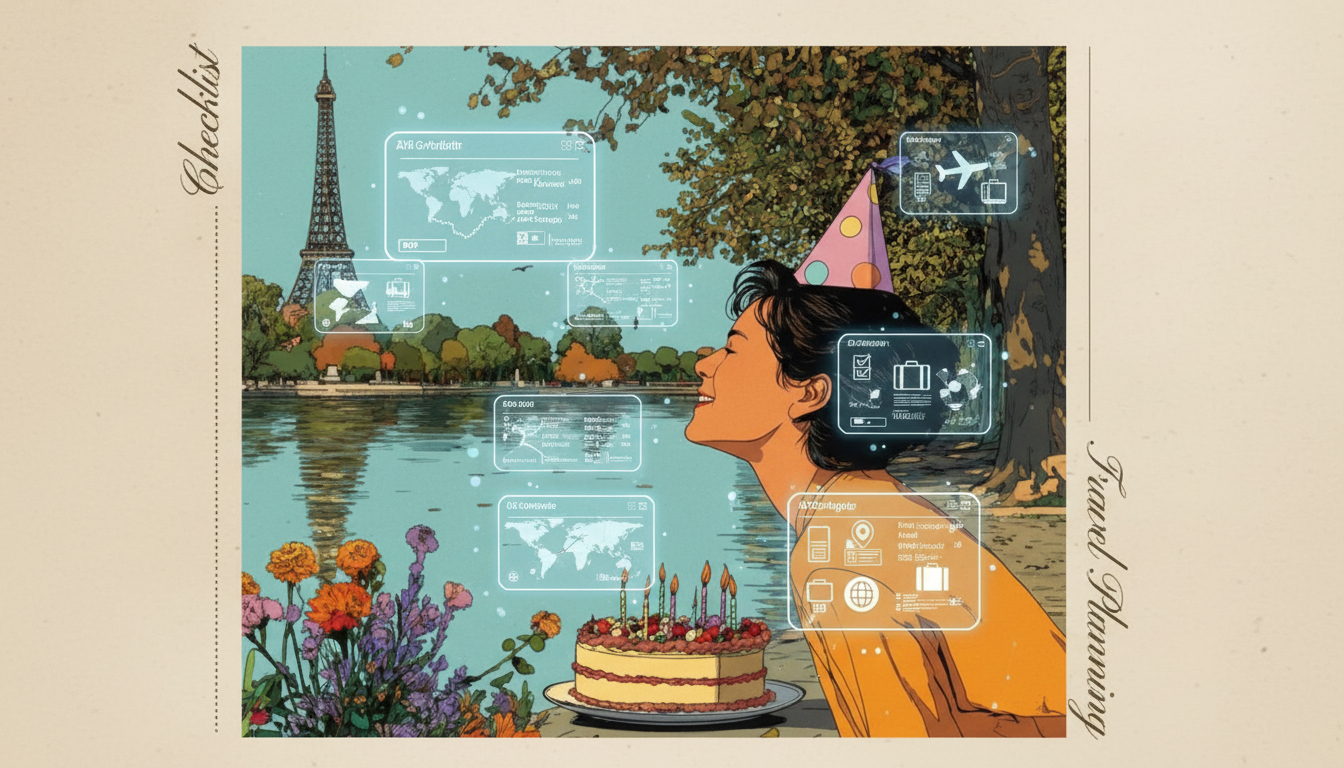
For more birthday planning ideas, see the AI birthday trip planner and checklist guide. A card can be a small part of a celebration, whether you create one digitally or print it to go with a gift.
Usually, yes. Download the card in a print-friendly format, check its size and resolution, and print a test copy to confirm the colors and text look right.



Leave a comment